Patient records & search
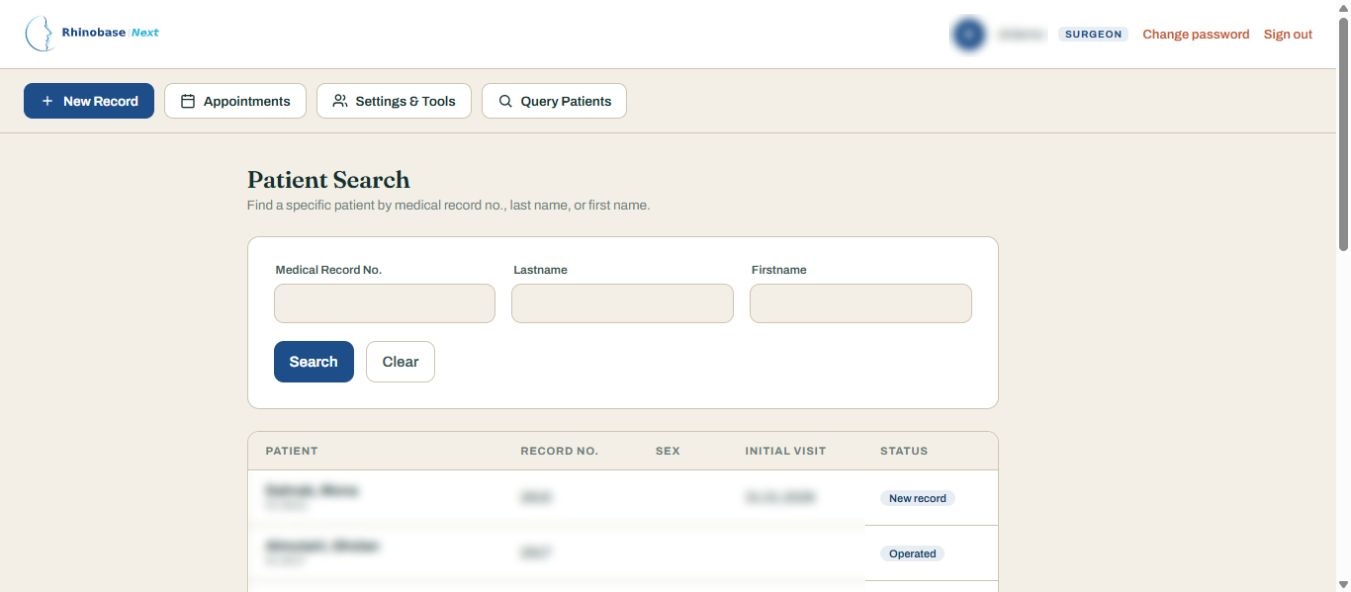
Structured demographics, patient lookup and rapid navigation between the clinical sections of a record.
Rhinobase Next brings patient records, examination, surgical planning, follow-up and photographic documentation into one structured, browser-based workspace—deployed on your own Ubuntu server.
Unified clinical workflow
Browser-based interface
Self-managed infrastructure
Legacy Windows continuity
From the initial consultation to long-term follow-up, Rhinobase Next organizes clinically relevant information in dedicated modules.
Structured demographics, patient lookup and rapid navigation between the clinical sections of a record.
Visit-based history and nasal examination data, with organized documentation and print-oriented reports.
Dedicated frontal, lateral and basal analysis workflows with measurements, landmarks and report controls.
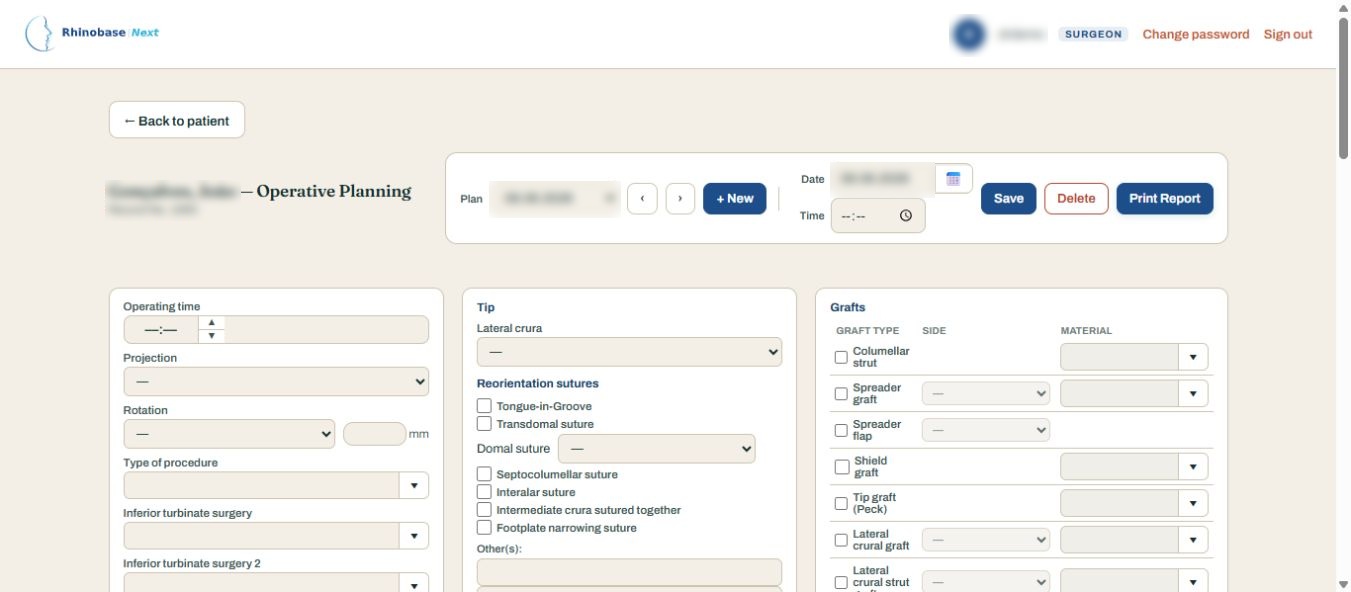
Record decisions before surgery through a dedicated planning module and print-ready documentation.
Procedure-specific screens for operative details and structured reports within the patient record.
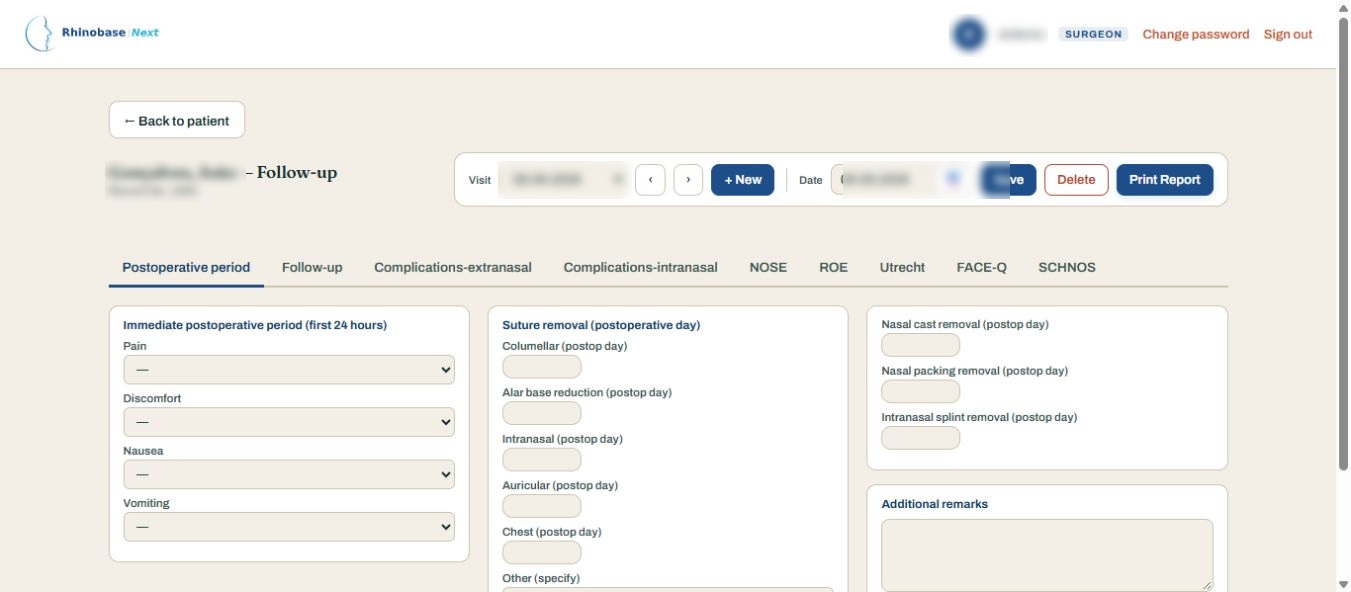
Track encounters over time and review visit-specific postoperative findings in one patient workspace.
Organize clinical image collections and standard view templates, including comparison-oriented layouts.
Week and month views, configurable time slots and patient-linked appointment management.
Select fields, filter records, save queries and export results for authorized use and analysis.
Legacy import tooling helps assess selected records before committing an import. Inspect and dry-run before applying changes; make independent backups first.
Explore migration guideExplore ten actual application screens, from patient search to surgical documentation and research queries. Open any image for a full-size view.
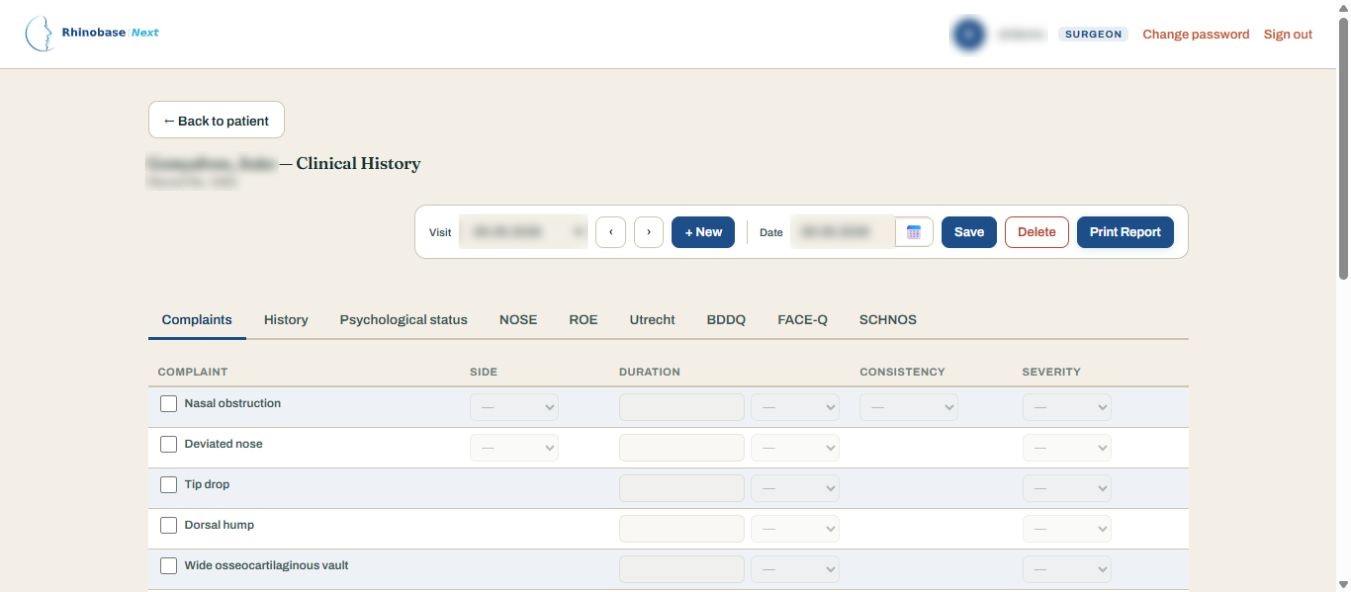
Structured complaints, clinical history and patient-reported outcome questionnaires.
View full-size screen ↗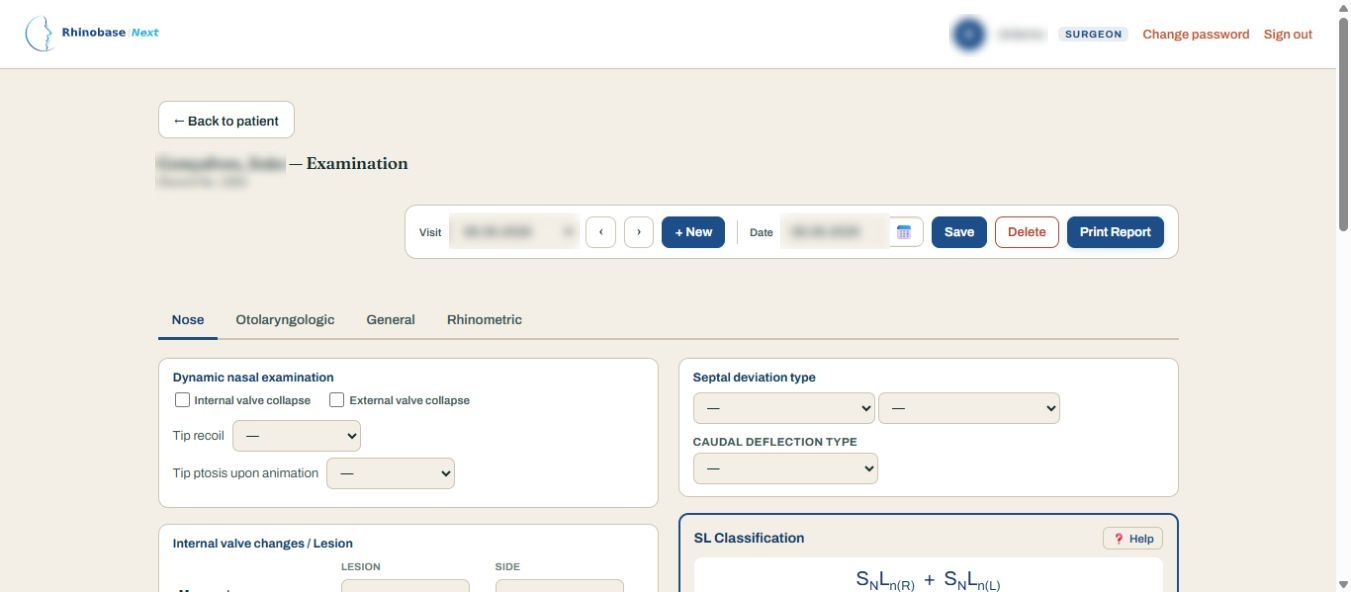
Nasal examination, septal classification and rhinometric assessment.
View full-size screen ↗Plan tip, dorsum, grafts and surgical techniques in a structured workspace.
View full-size screen ↗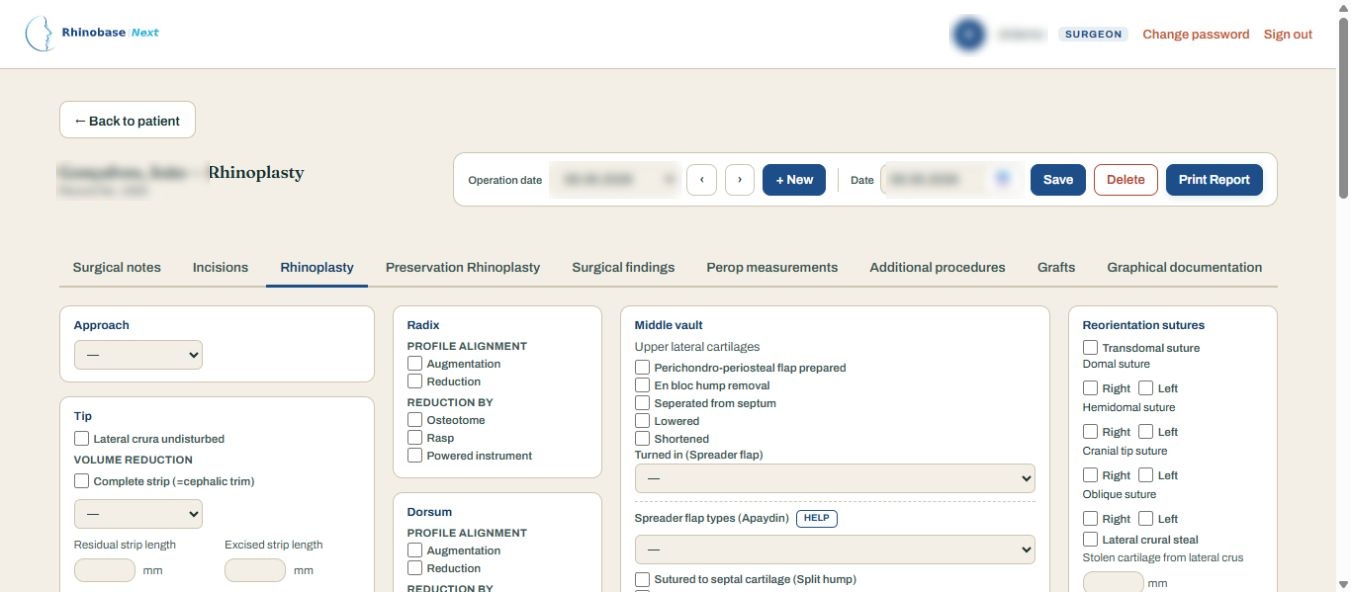
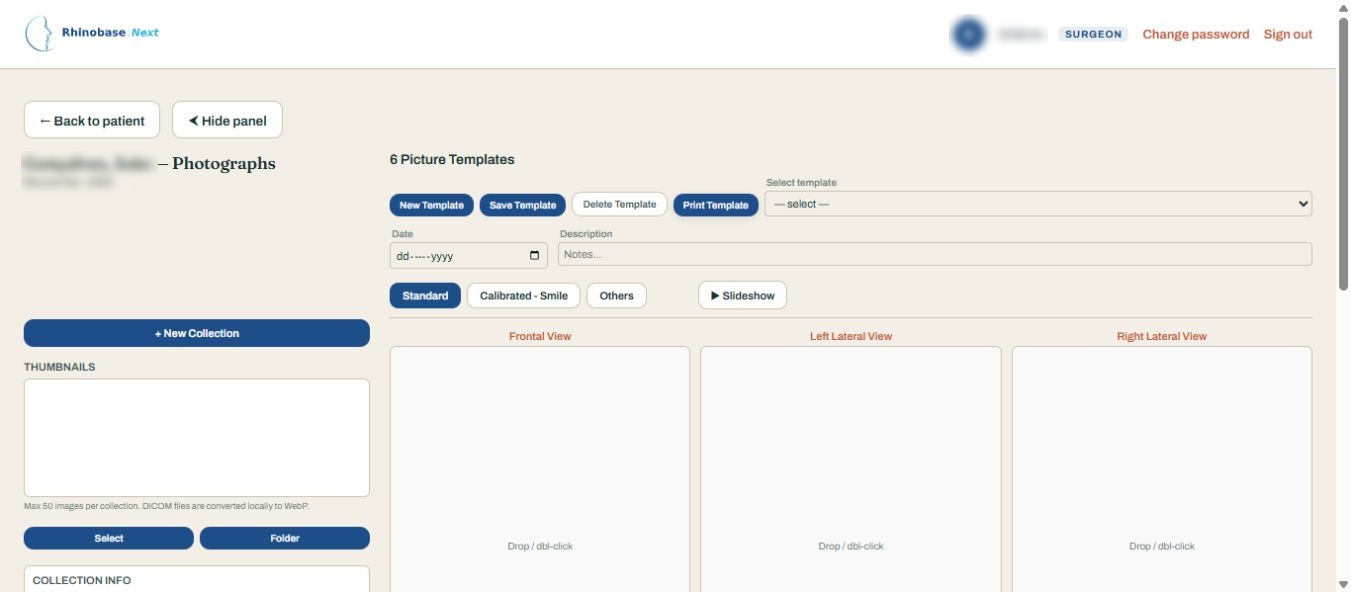
Collection management and standardized six-view photographic templates. Shown without patient photographs.
View full-size screen ↗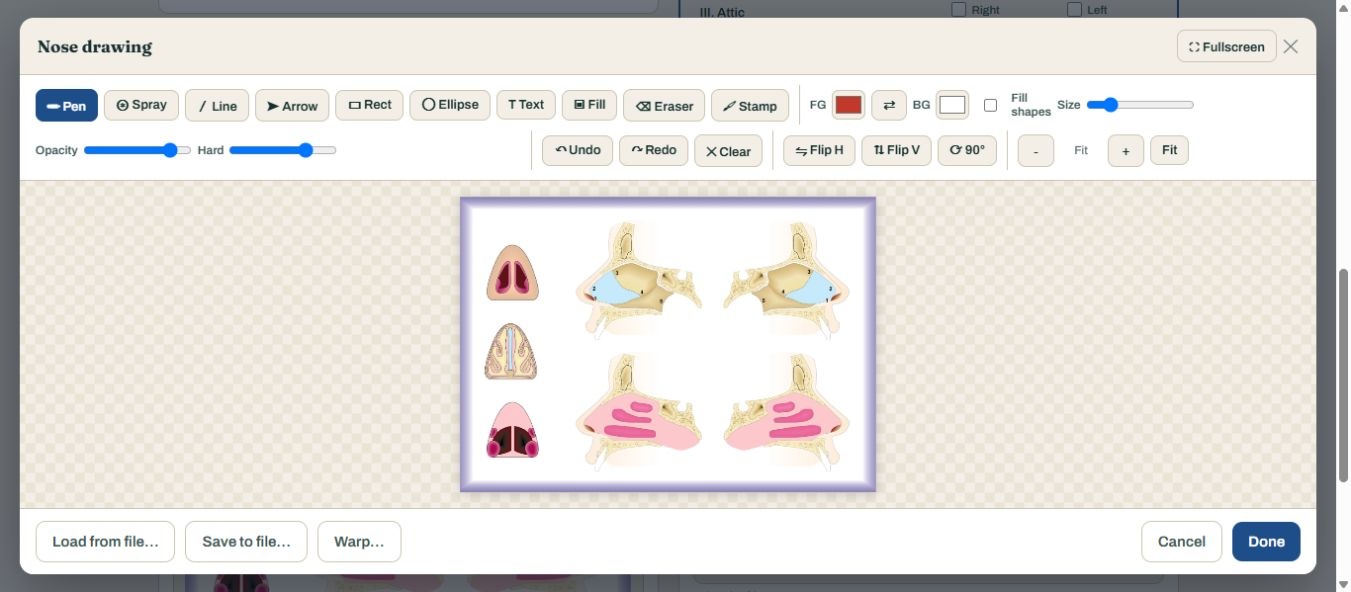
Drawing tools on an anatomical canvas, opened without adding or saving marks.
View full-size screen ↗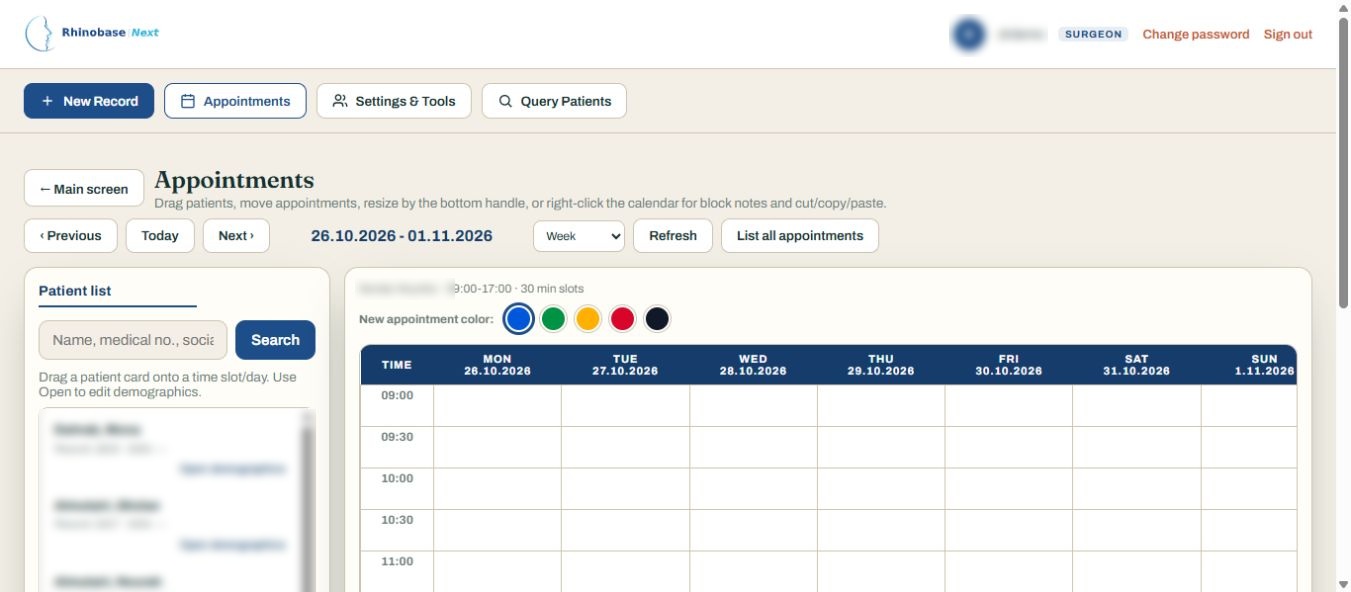
Weekly calendar, patient sidebar and appointment color controls. Shown without scheduled events.
View full-size screen ↗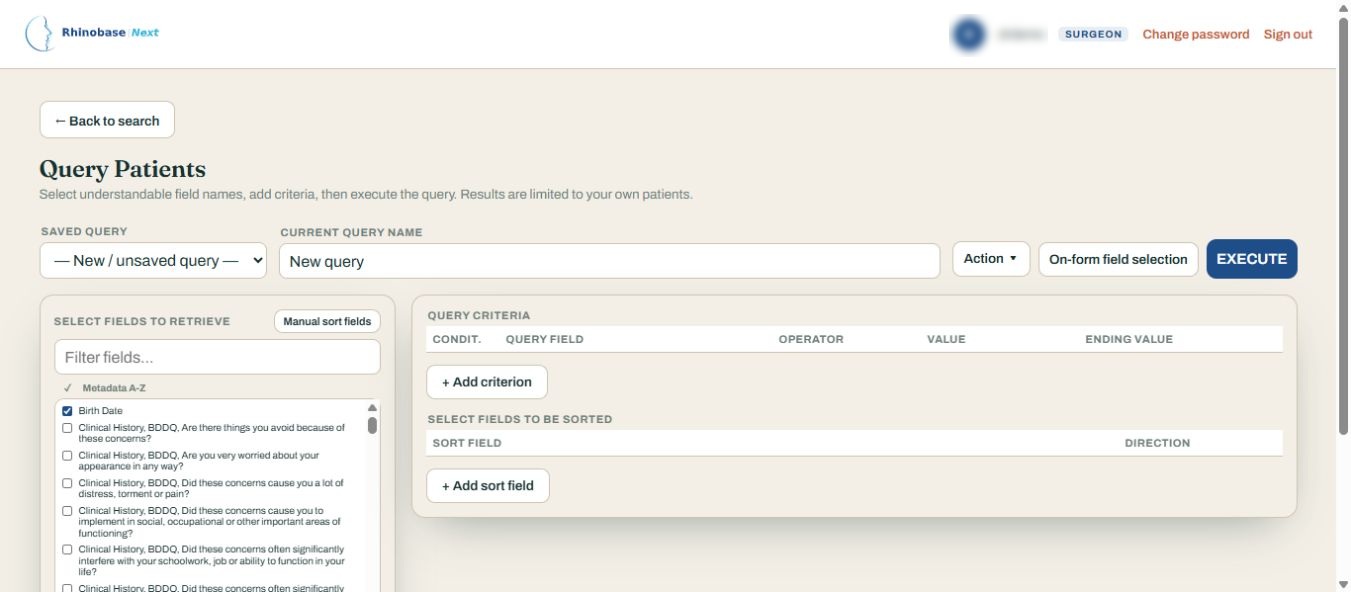
Field selection, query criteria and sorting controls. Shown without patient results.
View full-size screen ↗Privacy in every view: Identifying information has been permanently concealed in these image copies. The photographic workspace is shown without patient images, and Query Builder without patient results. Captured on 1 November 2026.
Rhinobase.net distributes software information and installation resources. Each organization installs and operates its own Rhinobase Next instance, decides where data are stored and administers its users and security controls.
Production use requires a verified application release, secure server configuration, backups, access policies and an independent compliance assessment. Nothing on this site is a HIPAA, GDPR or KVKK certification.
Read installation guideThe public package presently contains an installation framework; the actual application release archive must be supplied separately.
Review modules, user tutorials, screenshots and the responsibilities of operating health-data software.
Use Ubuntu 24.04 LTS, confirm prerequisites and secure your infrastructure before uploading any patient information.
Install the authenticated application bundle, establish backups and validate access controls and compliance locally.
Rhinobase began as a dedicated rhinoplasty database for Windows. Rhinobase Next reimagines the workflow as a browser-based application while preserving attribution to the original project.
Professor of Otolaryngology · Rhinobase Next project lead
Fazil Apaydin, Serdar Akyildiz, David A. Hecht and Dean M. Toriumi.
Explore the legacy projectRead the installation requirements and legal notices before proceeding.